
Enable
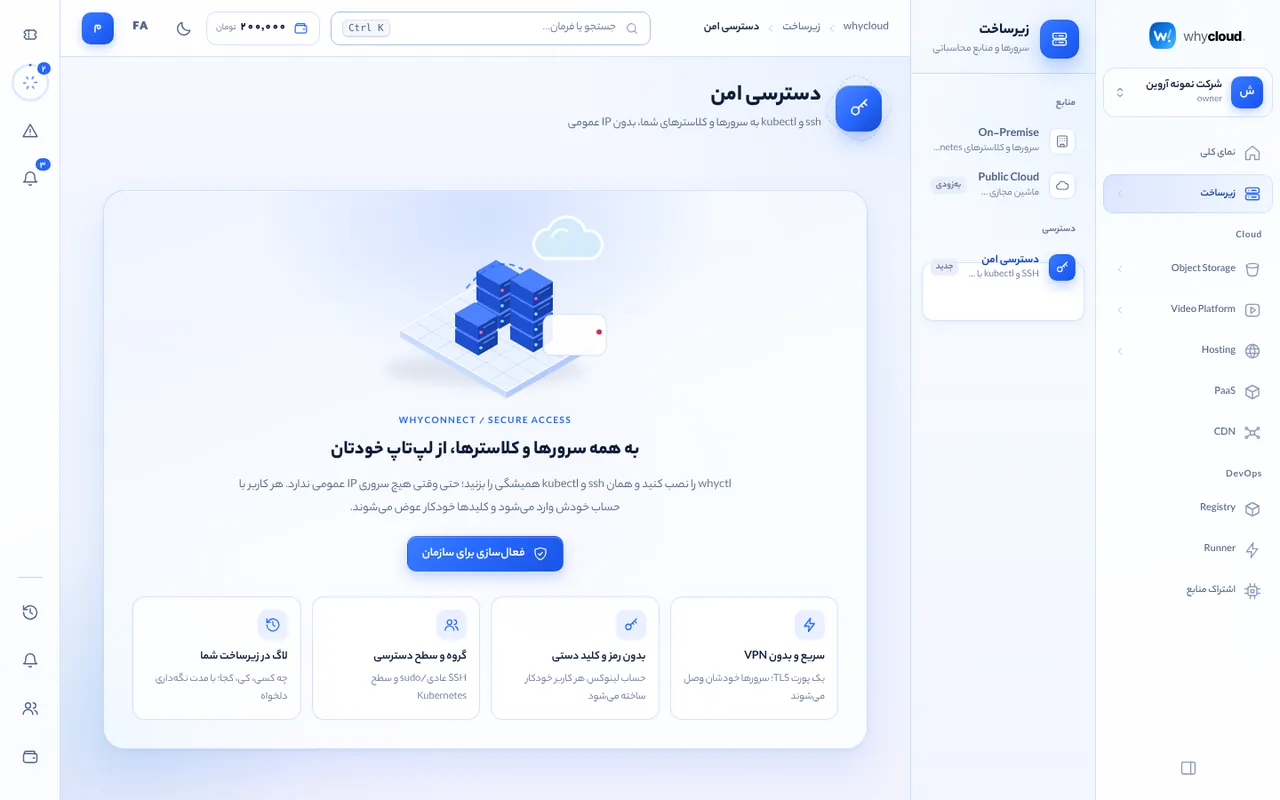
In Infrastructure → Secure access click “Enable for organization”; an “Infrastructure admins” group is created. Then enable each server or cluster (the agent must be current; servers need systemd).
Groups and levels
For each group choose members, resources (or all), allowed Linux users and the Kubernetes level (view, view-exec, edit, admin, cluster-admin). Changes and member removal apply instantly and drop live sessions.
Install and use whyctl
On your laptop: curl -fsSL https://whycloud.ir/agent/access/install.sh | sh, then whyctl login https://whycloud.ir, whyctl ls, whyctl ssh root@web-prod-1 and whyctl kube login k8s-main. whyctl config ssh >> ~/.ssh/config makes scp, rsync and VS Code work too.
Session logs
The session log tab searches connections and commands by resource, user, event or text. Logs stay on the resource itself with organization-defined retention. Certificates last 8 hours by default.