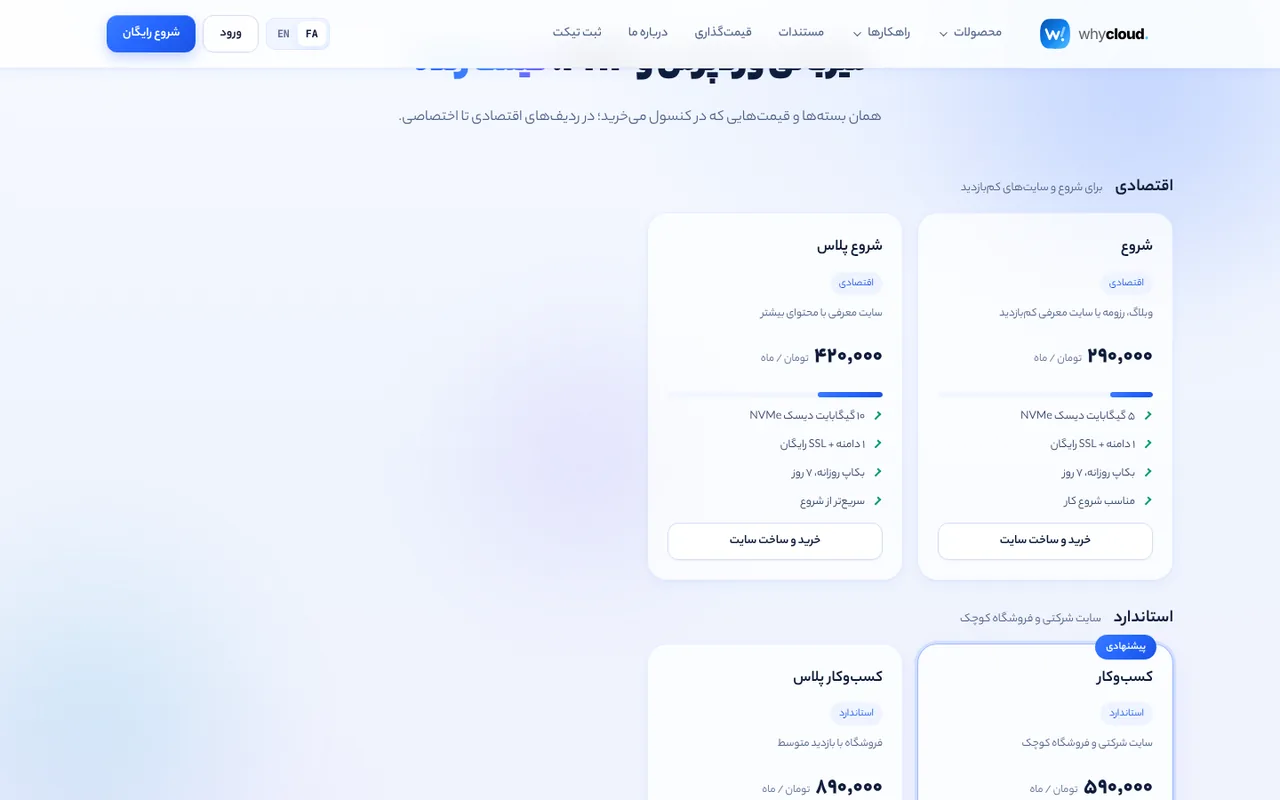
Plans
In the admin panel → Website hosting → Plans and prices, each plan has a virtual size (vCPU and RAM of the site and database), a physical-to-virtual ratio (1/500 to 4/1), disk, domains, backups and a price. There is no ceiling on vCPU, RAM or disk; only real server capacity decides what can run.
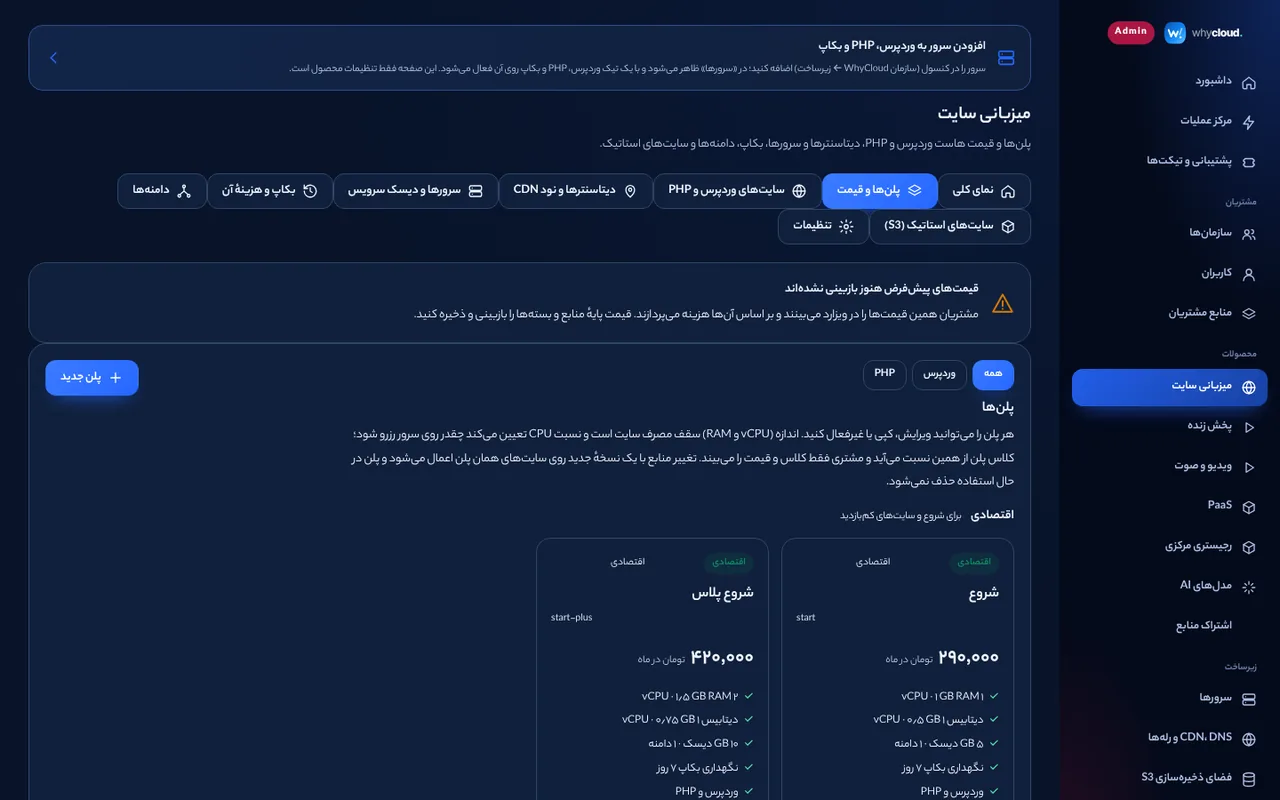
Categories and rows
Under “Plan display to customers” define categories (economy, professional, dedicated or any name) and pick one per plan. Customers see plans in these rows in the site wizard, the plan tab and the website pricing page. A plan without a category is placed by its performance class.
Visible numbers
Toggle vCPU, RAM, disk, database resources, domains, backup retention, performance class and the power bar to choose what customers see on a plan card. Hidden numbers are not even sent to customers by the API.
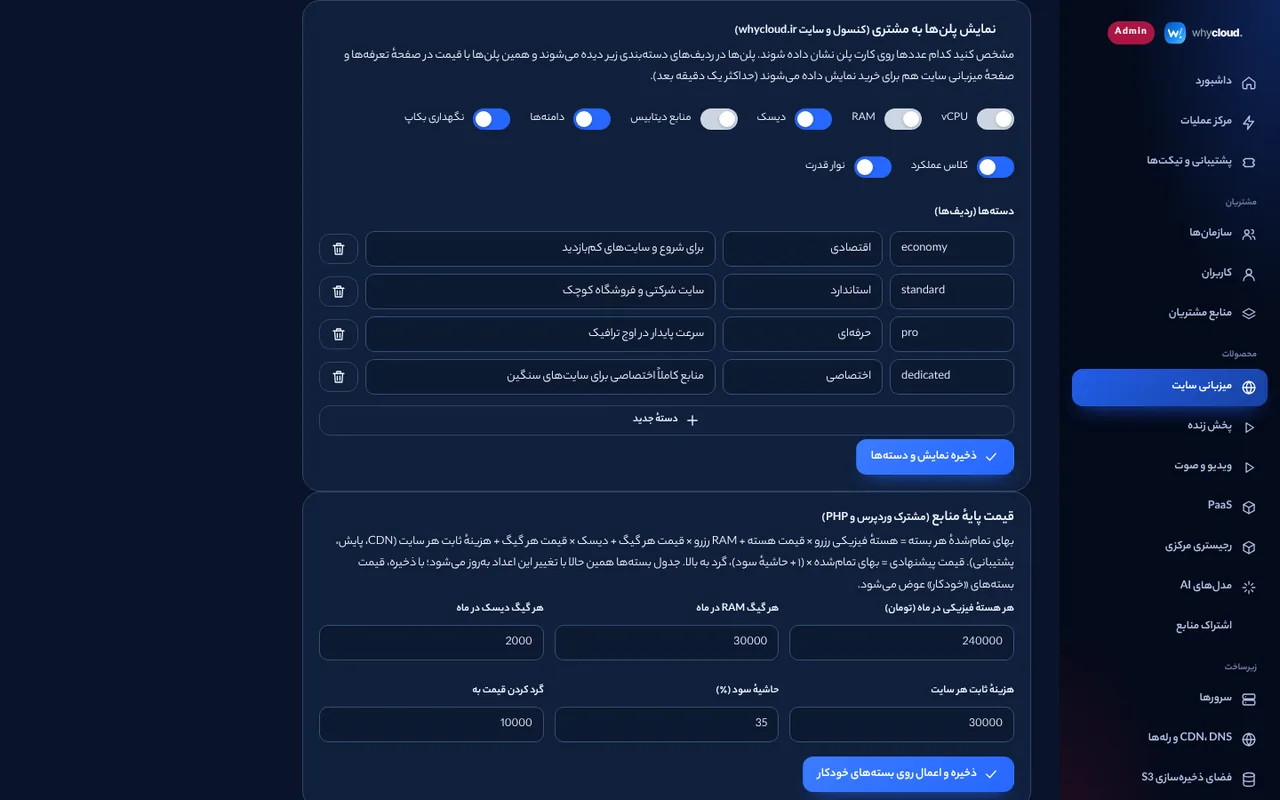
Per-server overcommit
Under “Servers and service disk” set each server’s CPU and memory overcommit (1× to 500×) and maximum containers. Allocatable capacity = physical resources × factor. The same factors are in the PaaS server form.
No-capacity message
When no server has room, customers only see a general “no free capacity right now” message; names, addresses or states of WhyCloud servers are never shown to customers and details are logged for the platform team. Where a site or app runs is shown to customers by datacenter name.
Website sync
The pricing page and the web hosting page on whycloud.ir read plans from the same console catalog (within a minute), and “Buy and create a site” opens the console wizard with that plan.