
Getting started
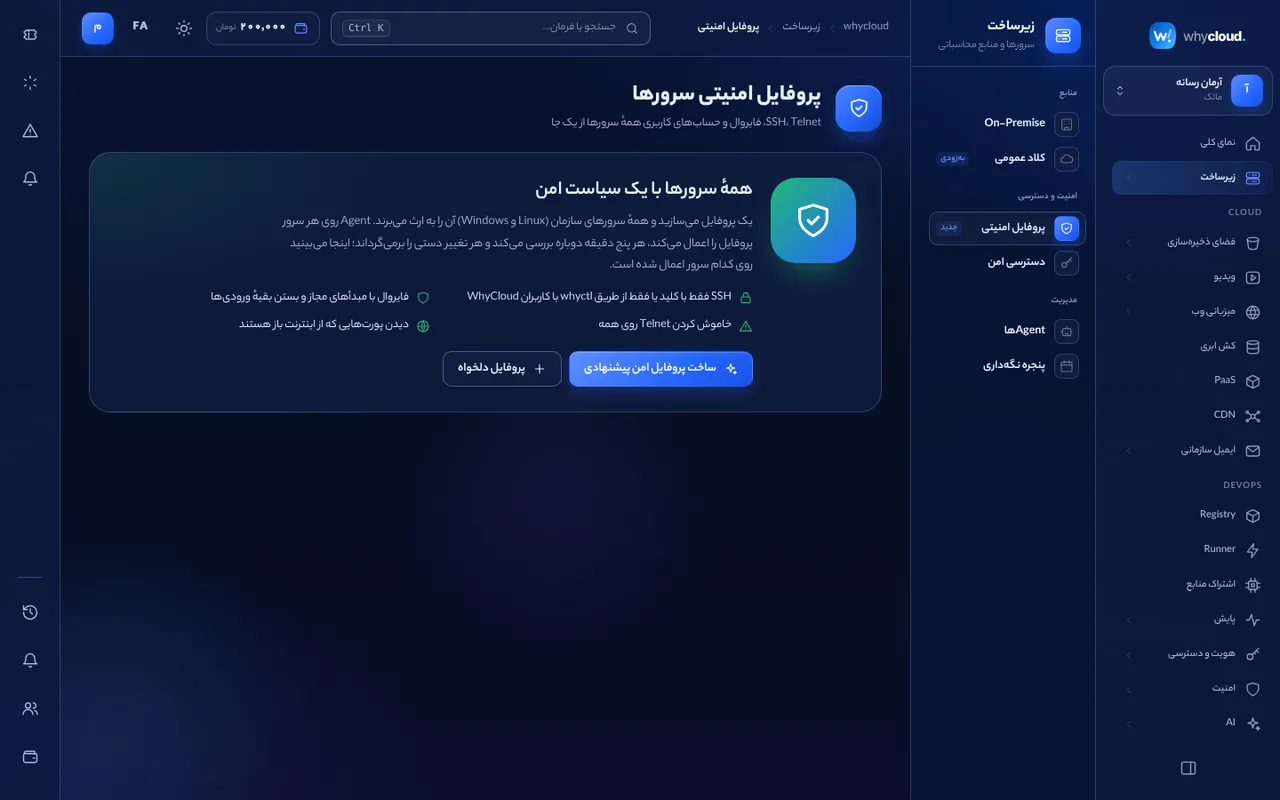
In the console → Infrastructure → Security and access → Security profile, choose “Create the recommended profile”. WhyCloud proposes a safe profile from your servers and services that you can edit before applying.
SSH
“whyctl only”: SSH is reachable only through the whyctl secure tunnel, with WhyCloud identity and audit. “Allowed sources”: only the given addresses. Root and password sign-in can be turned off. The configuration is checked with sshd -t before applying.
Firewall
Write inbound rules by source (IP or CIDR), port and protocol. On Linux WhyCloud manages only its own nftables table (inet whycloud), validates rules with nft -c and restores the previous state on failure. Ports WhyCloud services need on the server stay open automatically.
Telnet and users
Telnet and legacy insecure services are turned off and their ports closed. Under Allowed users choose which system users may sign in, or allow WhyCloud users only (through whyctl).
Inheritance
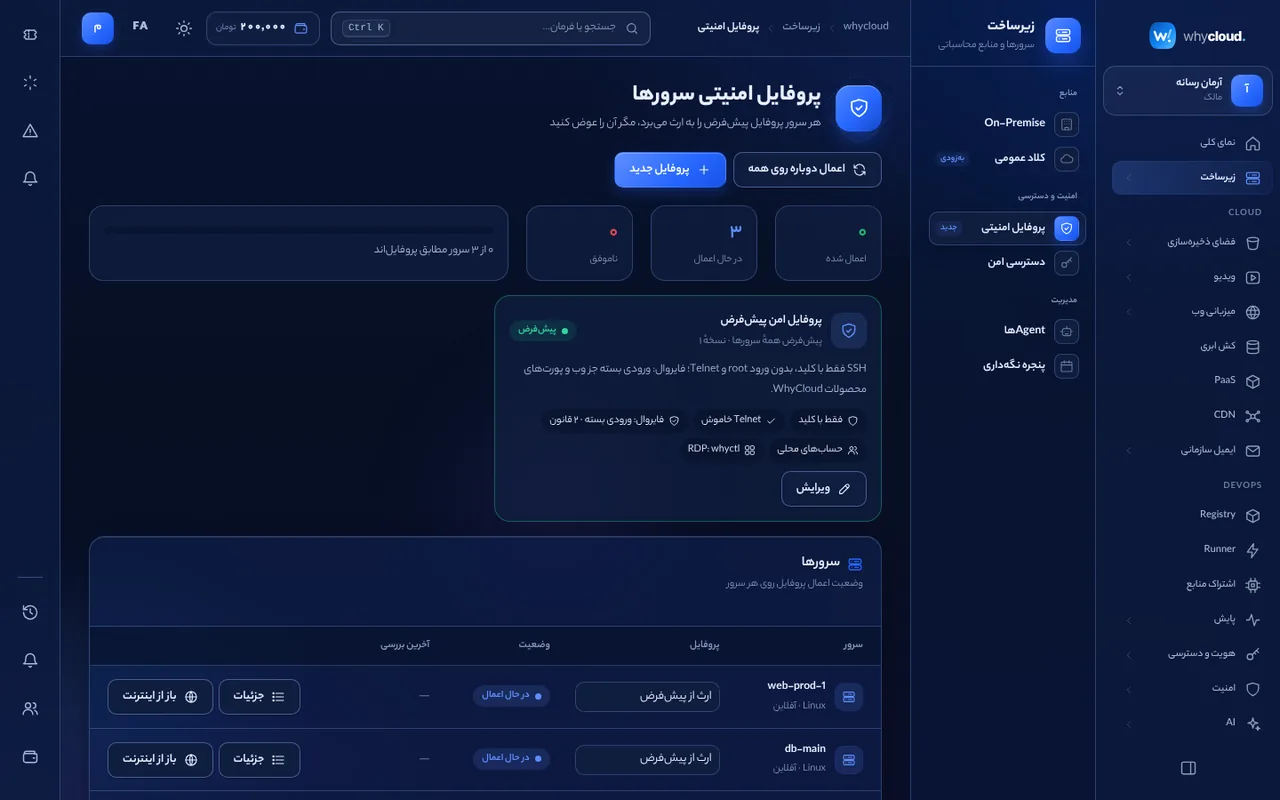
Make a profile the organization default; servers without their own profile inherit it. Any server can use another profile or override a few settings. Each server’s effective profile is always shown and a profile change reaches every server that uses it.
Drift and open ports
Every 5 minutes the agent compares the real state with the profile, reports and corrects drift. “Check ports” lists ports reachable from the whole internet, the process behind each and its risk (e.g. an open database or RDP).
mTLS
Every agent and operator receives its own certificate from the organization’s authority after enrolling and talks to the control plane over mutual TLS 1.3; unauthenticated connections are refused once upgraded. Each server page shows its mTLS state.