
Search
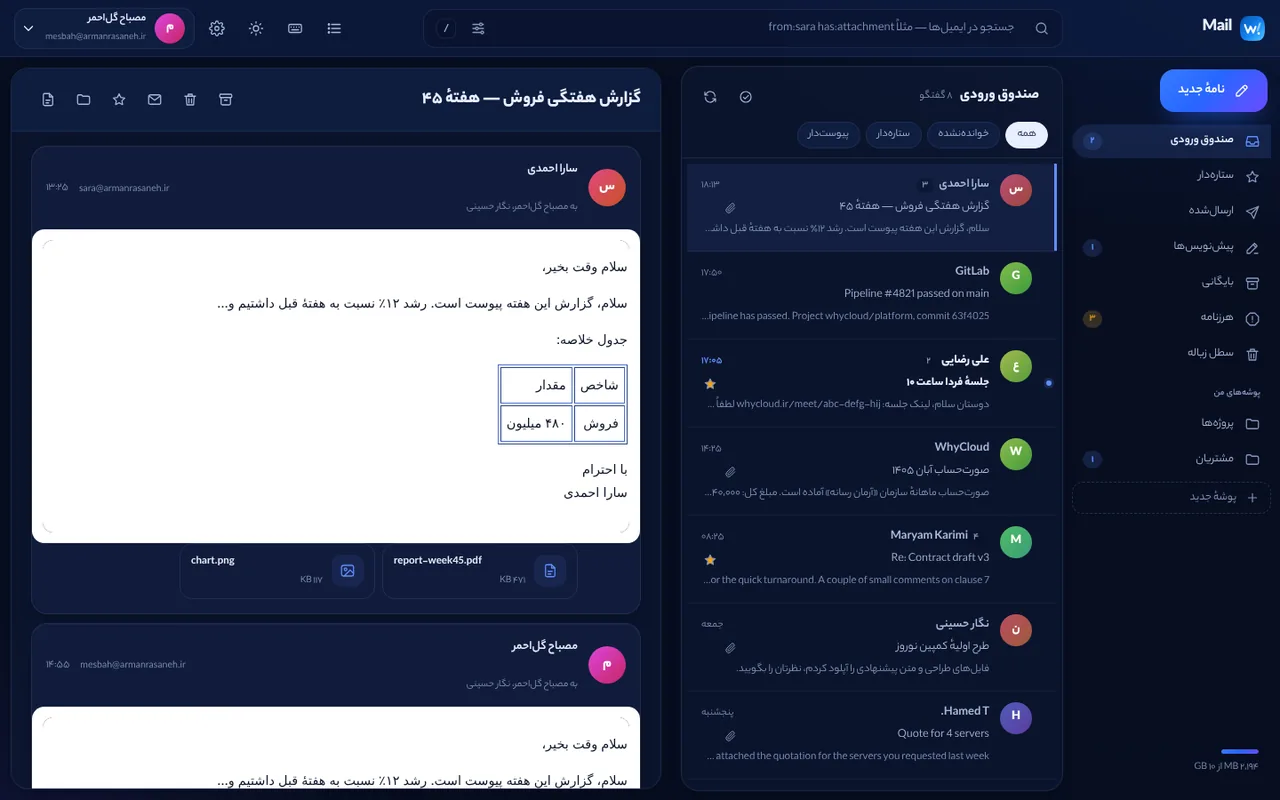
Use operators in the search box: from:, to:, subject:, has:attachment, is:unread, is:starred, before: and after: (YYYY-MM-DD) and in:<folder>. “?” next to search opens the full guide.
Writing and recipients
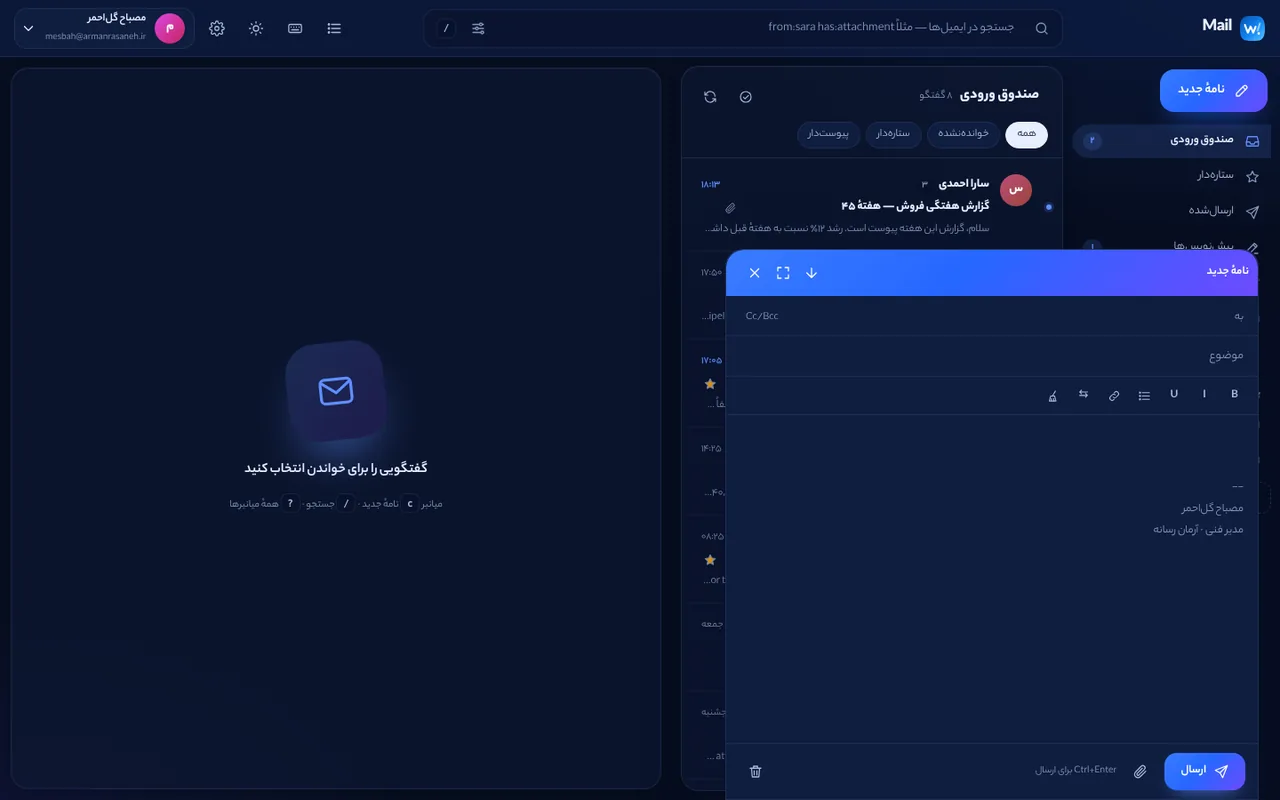
Type an address and press Enter, comma or Tab; pick suggestions with the arrow keys. Paste a list of addresses at once; duplicates are not added. Messages save to Drafts automatically while you write and continue from there.
Folders and bulk actions
Create, rename or delete folders. Select several messages to mark read/unread, star, archive or move them; “Mark all read” applies to the whole folder. List density (comfortable or compact) can be changed.
Messages
Print a conversation, download a message as .eml, and reply, reply all or forward from the message toolbar. With browser permission, new mail raises a desktop notification.